
Simple vs Detailed
For most Discovery and Foundation pages there is an option to either opt into a 'Simple' or 'Detailed' data entry mode.
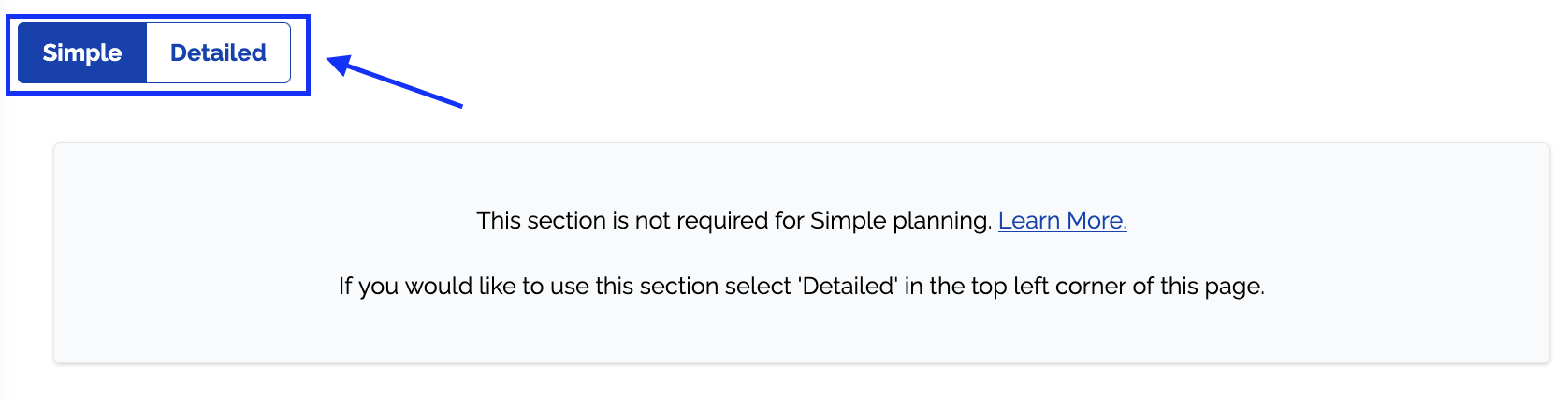
You can toggle between these modes in a section by clicking the 'Simple' or 'Detailed' button in the top left corner of the section.
What is Simple Mode:
Simple mode allows you to create a plan with the minimum of financial information. It also removes sections and fields that are not required to create your financial projections.
There are two significant calculation changes when in Simple Mode:
Expenses:
Expenses in Detailed mode break down spending into categories and use your Net Income entry and the Cash Flow Diagram to help you identify missing expenses and ensure that you aren't missing anything.
Expenses in Simple Mode are entered in one number along with any debt payments and savings amounts. The platform then makes an assumption pre-retirement and post retirement:
-
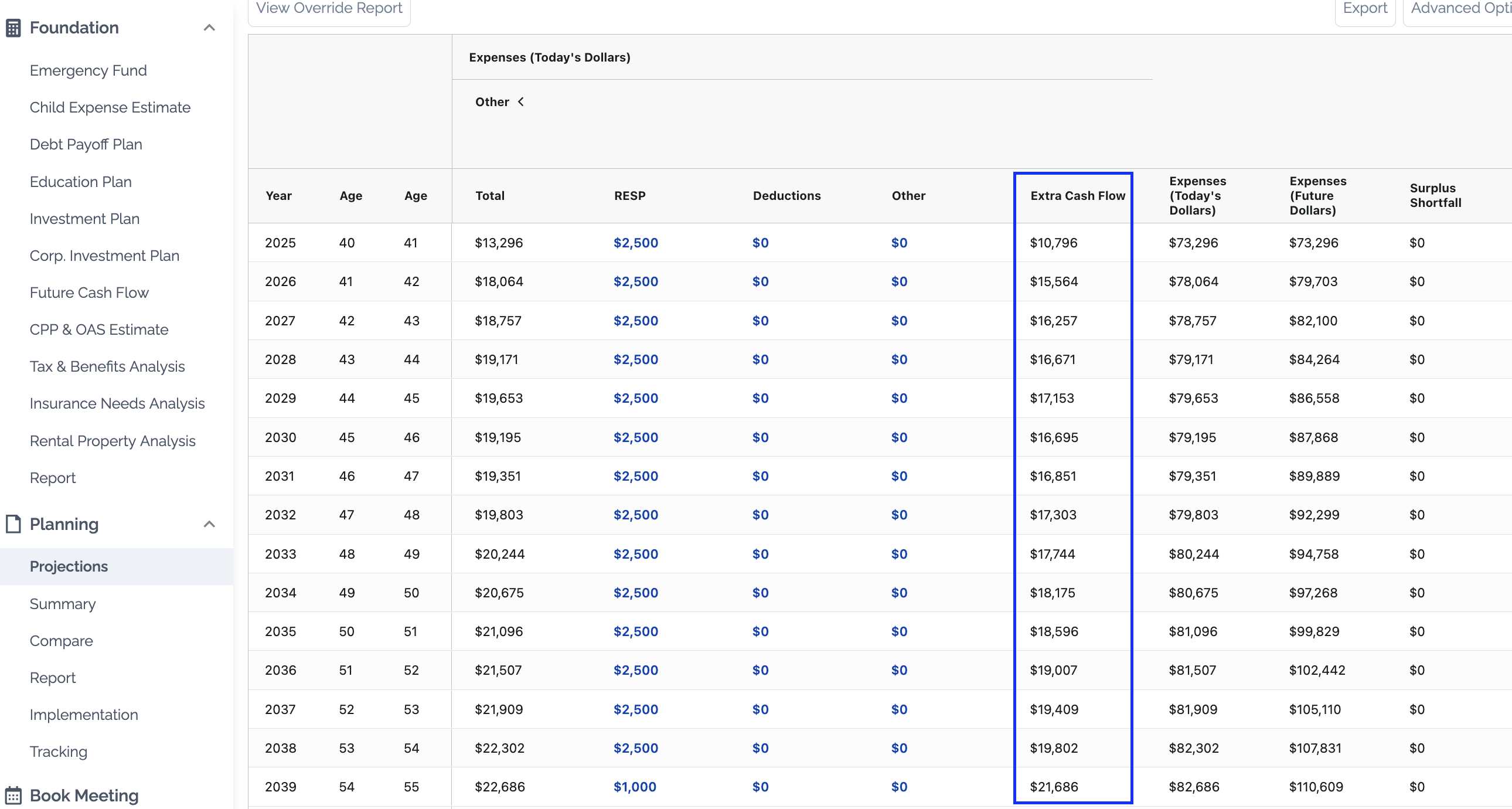
Pre-Retirement: the platform assumes that you save exactly as stated in the Expense Section. Once those savings and debt payments are met, it assumes the rest of your available income is spent. You can see that amount per year in Planning > Projections > Extra Cash Flow Column
- Post - Retirement: After retirement the platform looks to meet your exact spending goal and will use the AI strategies to find the most efficient way to do this.
Canada Pension Plan:
Simple mode allows you to enter an estimated monthly CPP benefit rather than your Statement of Contributions Detailed Estimate.
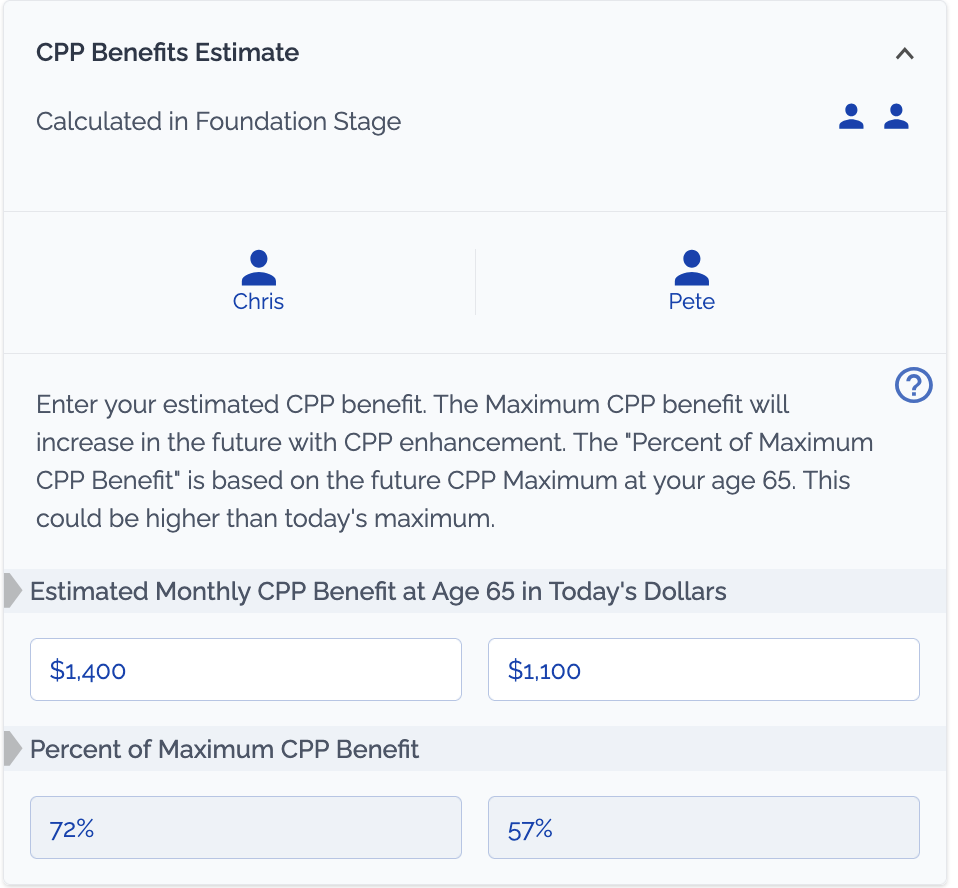
A simple calculation is a great place to start, but remember In many cases your Service Canada estimate may be wrong. We recommend you do a detailed calculation especially if you are more than a year away from retirement.
Should I use Simple or Detailed Mode?
Simple mode is a great way to get started with your plan or to simplify expenses if you have a detailed breakdown on your own spreadsheet.
Detailed mode is the best way to take full advantage of the platform and the AI strategies. We've listed a few of the key advantages to detailed mode below
Key Advantages to Detailed Mode:
- Detailed Cash Flow: Detailed mode required more income and expense information that helps make sure that you aren't missing spending. Missed spending can make a huge impact on long term projections.
- Life Insurance: Detailed mode incorporates life insurance into survivor AI strategies
- Custom CPP Calculation: Detailed mode will create a custom CPP calculation based on your contributions. This calculation will dynamically shift depending on the income you project which makes it great for testing retirement timing and income goals pre-retirement.
- AI Strategies for Accumulation: Detailed mode includes AI strategies for accumulation that aren't available for Simple Mode.