
FAQ: What is the "Extra Cash Flow" Column?
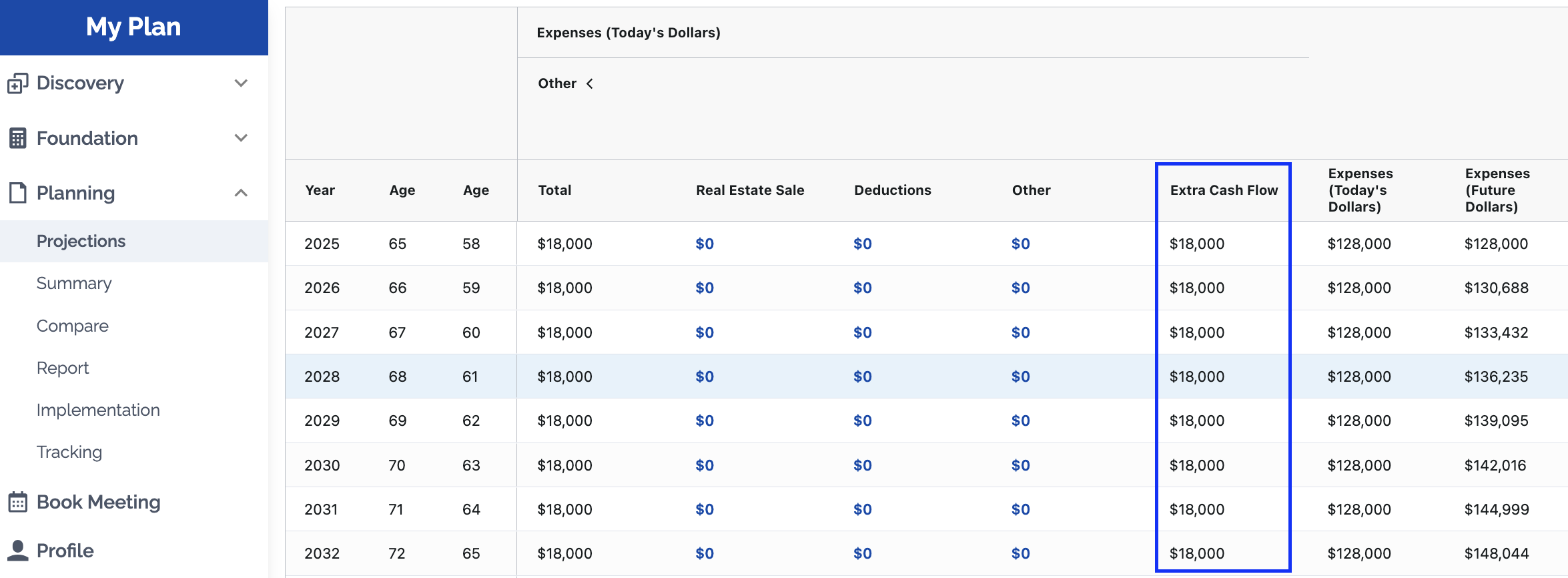
The Extra Cash Flow Column shows a value in two situations:
-
In "Manual" calculation mode the Extra Cash Flow column captures cash flow that hasn't been specifically attributed to taxes, CPP/EI contributions, spending, or savings/investment contributions. Basically it is the difference between incoming cash flow and outgoing cash flow. In "Manual" calculation mode this extra cash flow is assumed to be spent.
-
If you have enabled an AI Strategy for "Modify Retirement Spending" then the extra spending is put in that column. So if it is a round number like $30,000, $24,000, $18,000, $12,000, or $6,000 then it likely means you've activated an AI Strategy to increase spending (or if its negative then you've activated an AI Strategy to decrease spending).