
How to Lock a Scenario
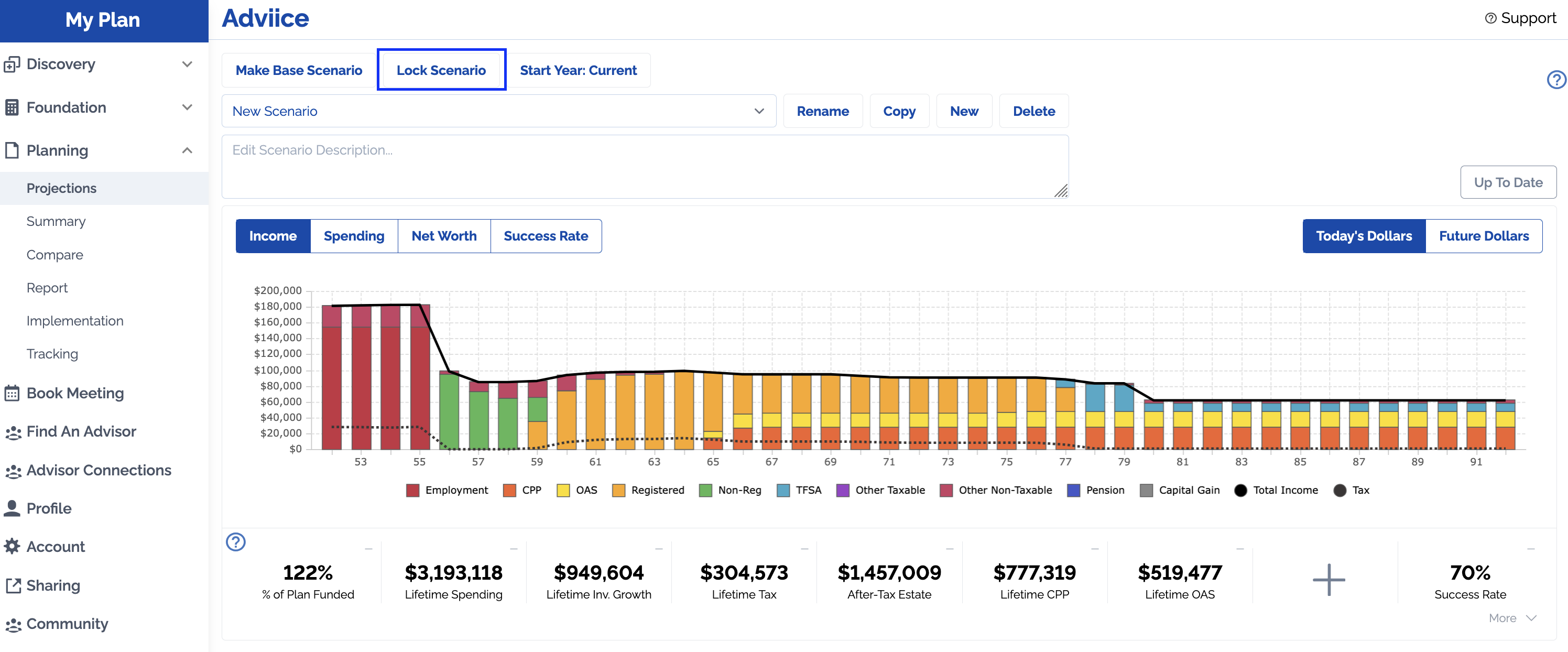
When in Planning > Projections, you have the option to 'Lock Scenario'. When you lock a scenario it prevents it from being changed in the future. It is no longer editable and it will no longer pull in new data from Discovery and Foundation.
This “saves” or “archives” that plan and it is generally done to keep a copy of a plan for future years as a reference.
Renaming a Scenario/Changing the Description
You are able to change the scenario name even when a scenario is locked. This is done by selecting your locked scenario and clicking 'Rename'
You can also edit the description for any locked scenario without unlocking it.
Unlocking a Scenario
You are able to unlock a locked scenario at any time.
Warning: Unlocking a scenario will cause it to pull in new information from Discovery/Foundation and any new platform constants (tax rates, benefit rates, inflation rates, etc).
Instead of unlocking, we recommend copying a locked scenario and using the copy rather than unlocking the original scenario.